Whether you’re buying a used phone or selling your old one, the same three risks come up every time: a stolen or blocked phone, a phone still locked to someone’s account, and payment fraud. India’s telecom department now gives everyone free tools to deal with the first one in seconds, and the other two come down to a few simple habits.
This used phone guide brings the whole process together, with links to our detailed guides for each step.
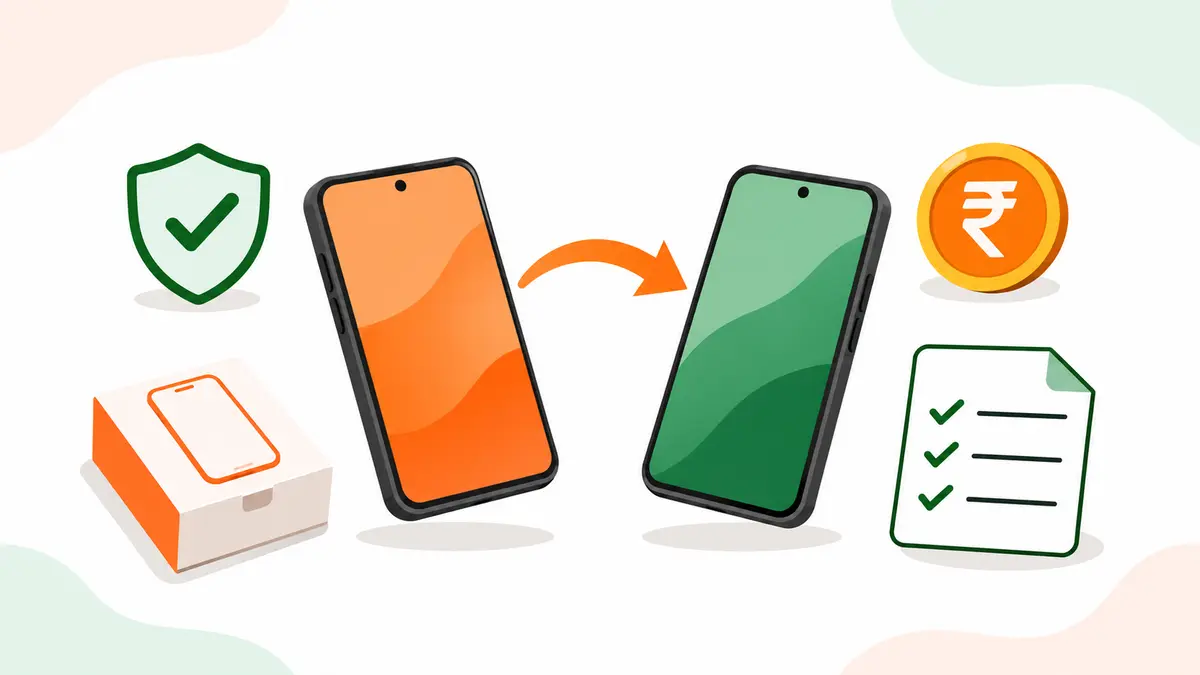
Used phone buying and selling: the process at a glance
| Stage | If you’re buying | If you’re selling |
|---|---|---|
| Before meeting | Ask for the IMEI and check it on Sanchar Saathi | Back up data and collect the box, bill and charger |
| Account locks | Make sure the seller signs out and resets in front of you | Sign out of Google or Apple and all payment apps |
| Inspection | Test screen, battery, cameras, network, charging | Clean the phone and be upfront about any faults |
| Payment | Pay by bank transfer or UPI, never in advance | Confirm the money in your own bank app, never scan a buyer’s QR |
| Paperwork | Get a written receipt with the IMEI | Give a receipt and keep the buyer’s ID copy |
| After the sale | Reset again, update, install apps from official stores only | Check Sanchar Saathi for connections in your name |
The free government tools every phone buyer and seller should use
The Department of Telecommunications runs Sanchar Saathi, a portal and app with several services that matter here:
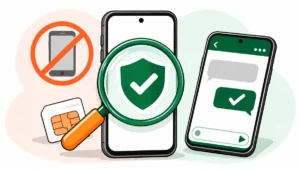
- Know genuineness of your mobile handset (KYM): check any phone’s IMEI by sending KYM and the 15-digit IMEI to 14422, or on the portal or app. A valid result shows the brand and model; a blocked or invalid result means don’t buy.
- Block a lost or stolen phone: with a police complaint and a duplicate SIM, you can block your phone across all Indian networks through the CEIR system, and unblock it if you get it back.
- Know mobile connections in your name: see every number registered with your ID and report any you don’t recognise.
- Chakshu: report suspected fraud calls, SMS and WhatsApp messages.
For money already lost to fraud, the national cybercrime helpline is 1930, with online reporting at cybercrime.gov.in.
Our guide on how to check if a phone is stolen explains the IMEI check, what each result means, and the full process for blocking and unblocking a phone.
Buying a used phone
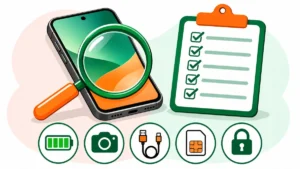
The order matters. Check the IMEI first, then the account lock, then the hardware. A phone with a perfect screen is worthless if it’s blocked or tied to someone else’s Google account.
A few points that catch buyers out:
- Account lock: if the seller resets the phone without signing out, it will ask for their password during setup. Always reach your own home screen before paying.
- Battery: the most common complaint with used phones. Check battery health where the phone shows it, and look for any swelling.
- EMI phones: ask whether the phone was bought on instalments and whether they’re fully paid.
- Chargers: check the R-number on a charger with the BIS Care app, which verifies registration under the Bureau of Indian Standards scheme.
Our second-hand phone checklist covers all ten checks in order, with a one-page table you can screenshot and use at the seller’s place.
Selling your old phone
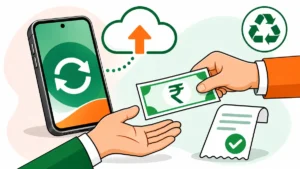
For sellers, the risks are your data and your accounts. The clean-up order is simple: back up, sign out of every account, remove the SIM and memory card, then factory reset. Signing out of Google or Apple before the reset is the step people skip, and it’s the one that brings an angry buyer back to your door.
On price, a direct sale to another person usually pays the most, while exchange offers and resale platforms are quicker and easier. Your strongest selling points are a clean IMEI check, the original bill and box, and good battery health.
Our guide on how to sell your old phone safely walks through backup, reset, pricing, where to sell and how to take payment without getting scammed.
When a phone has no resale value
Dead and very old phones shouldn’t end up in the dustbin or with scrap dealers who burn them for metal. Under the E-Waste (Management) Rules, 2022, in force since 1 April 2023, e-waste can be collected and processed only by registered producers, recyclers and refurbishers. Use a brand take-back programme or an authorised collection point, and remove your memory card and data first.
Staying safe with any phone
CERT-In’s internet safety booklet recommends a few habits that apply to every phone, new or used:
- Keep the phone locked when you’re not using it.
- Install apps only from the Play Store or App Store, never from links in messages.
- Keep the operating system updated.
- Never share OTPs, and turn on two-factor authentication wherever you can.
We’re adding buying guides to this section next, including the best phones and laptops for different budgets. Browse everything in Mobiles and Gadgets.
Frequently asked questions
How do I check if a phone is stolen in India?
Find the IMEI by dialling *#06#, then send KYM followed by the IMEI to 14422, or check it on the Sanchar Saathi portal or app. A blocked or invalid result means the phone shouldn’t be bought.
What should I do before selling my phone?
Back up your data, sign out of your Google account or Apple ID and all payment apps, remove the SIM and memory card, and do a full factory reset.
Is it safe to buy a phone without a bill?
It’s riskier. Without a bill you lose warranty and have weaker proof of legal purchase. Run the IMEI check, get a detailed written receipt with the seller’s ID, and price in the missing bill.
What do I do if my phone is stolen?
File a police complaint, get a duplicate SIM for your number, and block the phone on Sanchar Saathi’s CEIR service. Keep the 18-digit Request ID to track or unblock it later.